
Task Board
Available, growingTasks, pull requests, sprints and AI help in one board for software teams.
Who it is for
Built for developers, project managers and engineering leads. Developers see their work and the pull requests behind it. Project managers plan sprints and track progress. Leads see whether the project is on track.
What you can do today
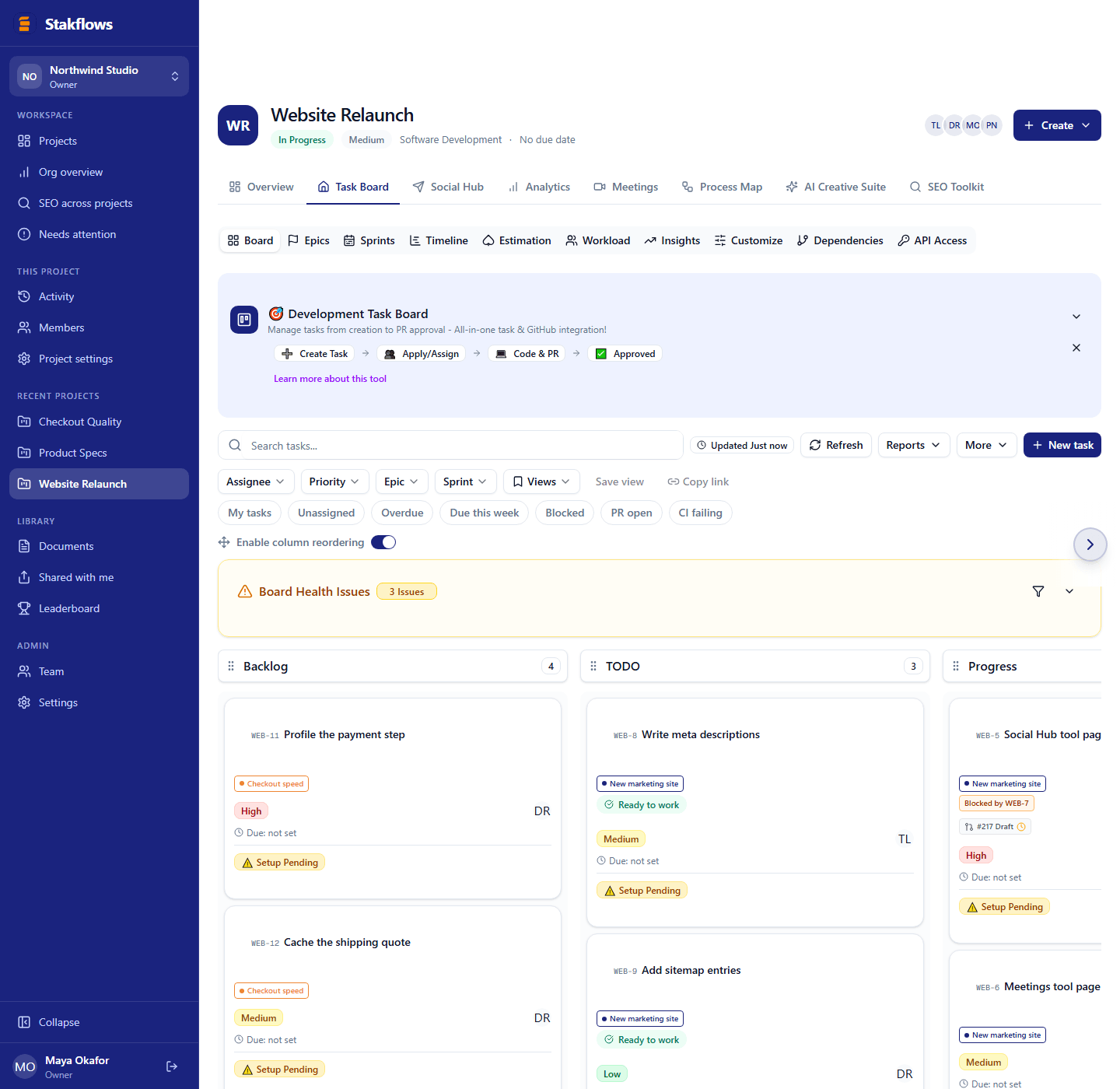
A board you configure
Columns you set up, readable task keys, filters and saved views, bulk actions and keyboard shortcuts. Press Ctrl or Cmd + K for the command palette, and import tickets in bulk from Markdown with a preview before anything is created.
Pull requests and branches on every task
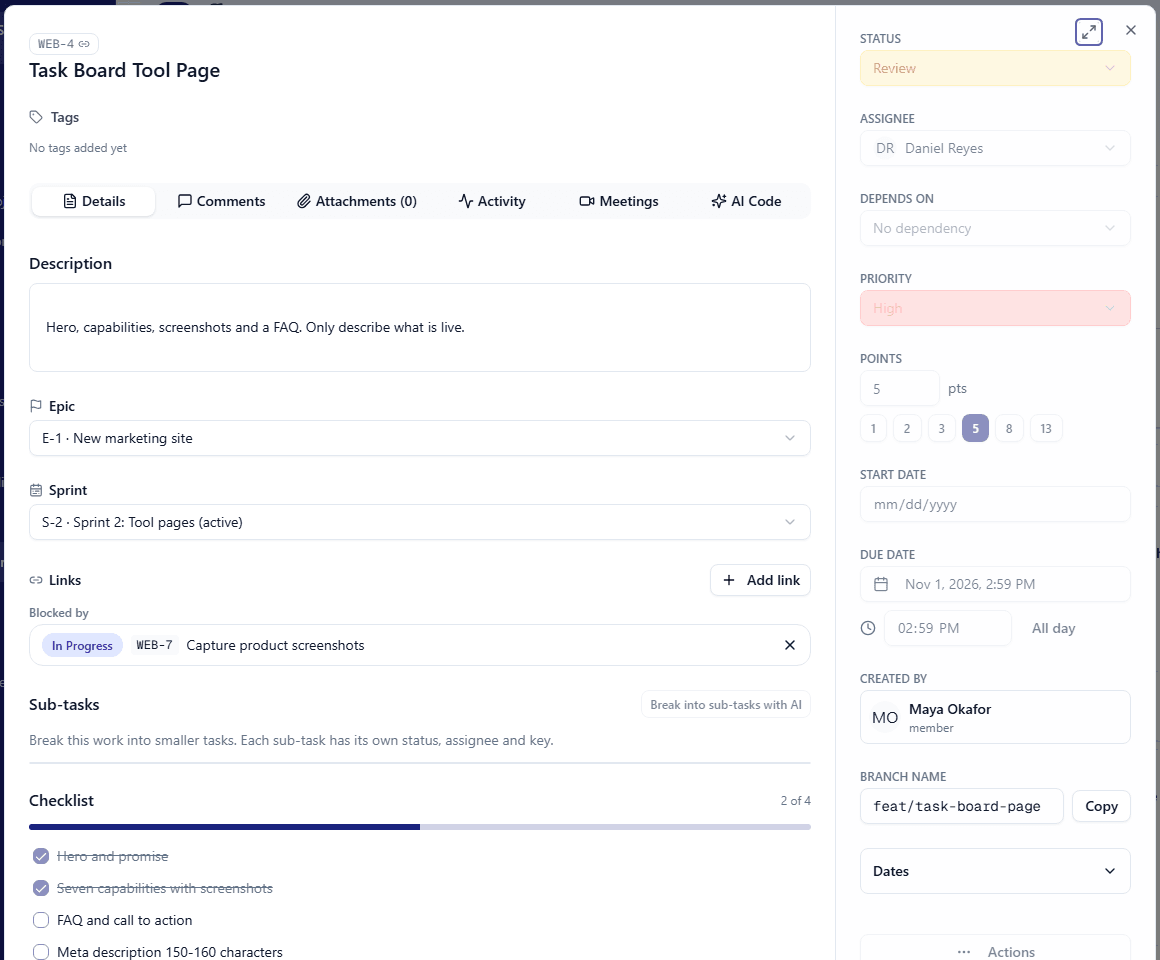
Link a pull request to a task and see its status and CI result on the card. See and copy a branch name for the task, and use the code review workflow.
Sub-tasks, checklists and dependencies
Break a task into sub-tasks with their own status and assignee, add a checklist, and link tasks that block, relate to or duplicate each other. The Dependencies view draws the links as a map.
Epics and sprints
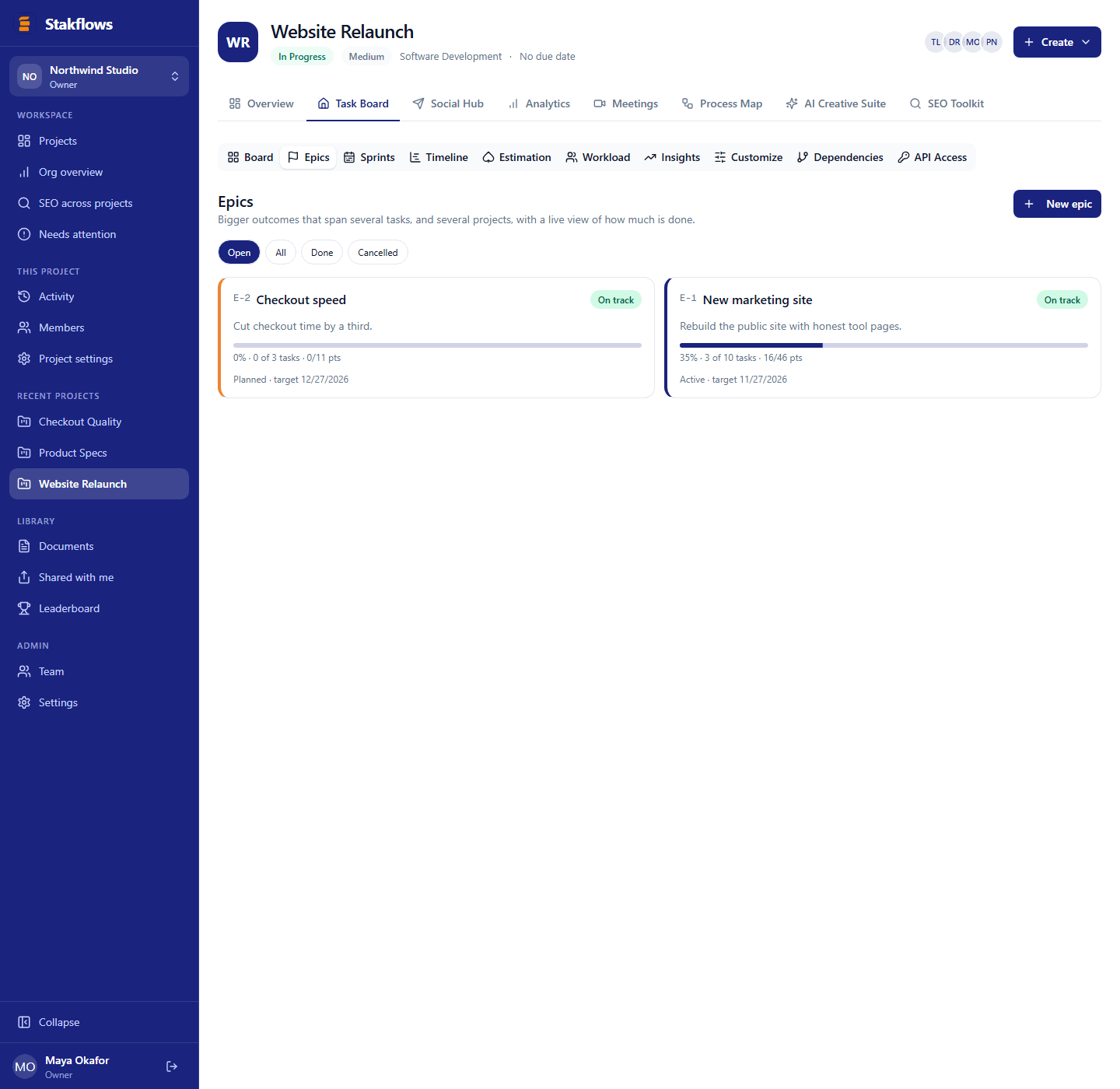
Group tasks into epics and see how far each one has got. Plan sprints with a goal and capacity, start and close them, and let unfinished work move on.
Estimation and planning poker
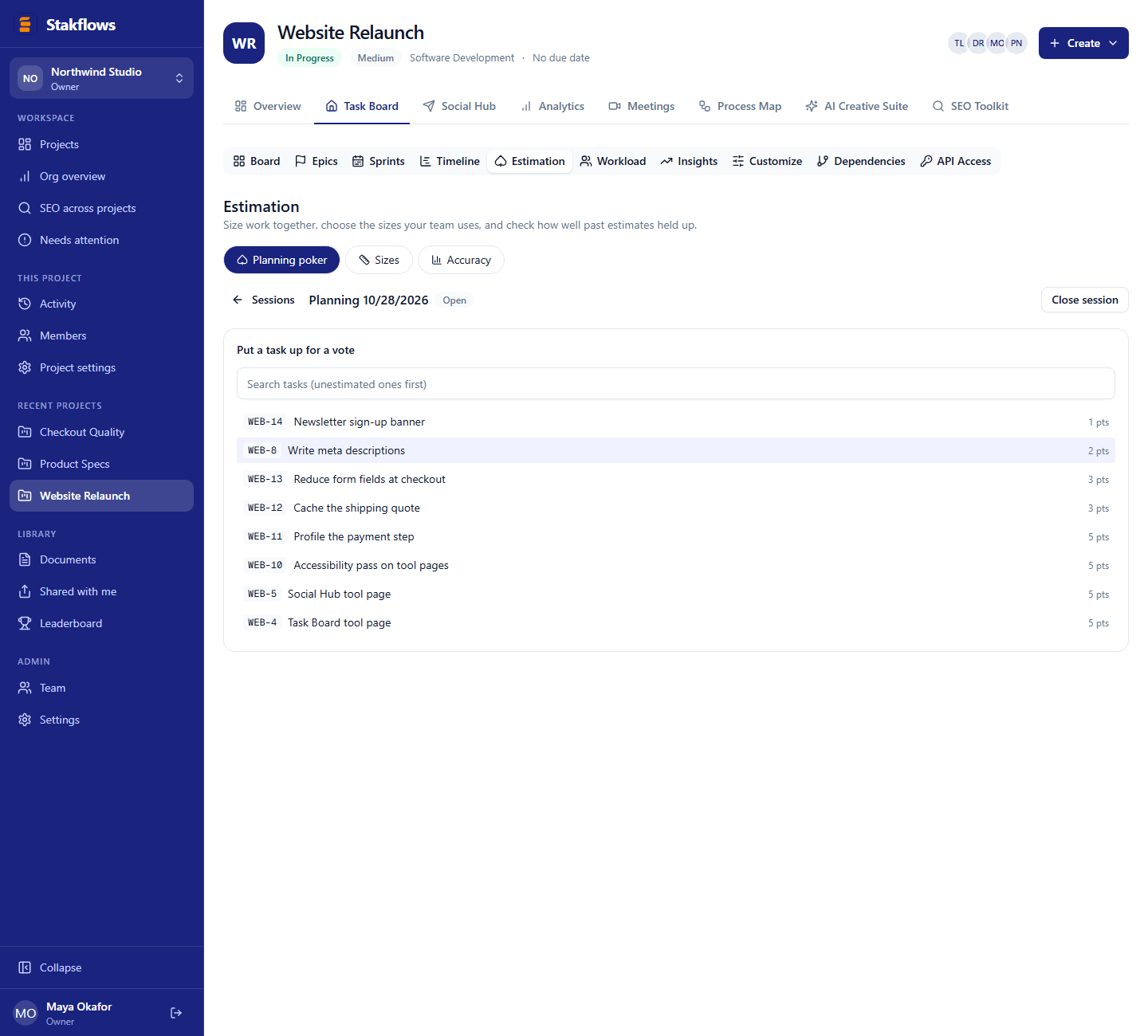
Size work together: everyone picks a card in secret and the cards turn over at the same time. Choose the sizes your team uses and check how well past estimates held up.
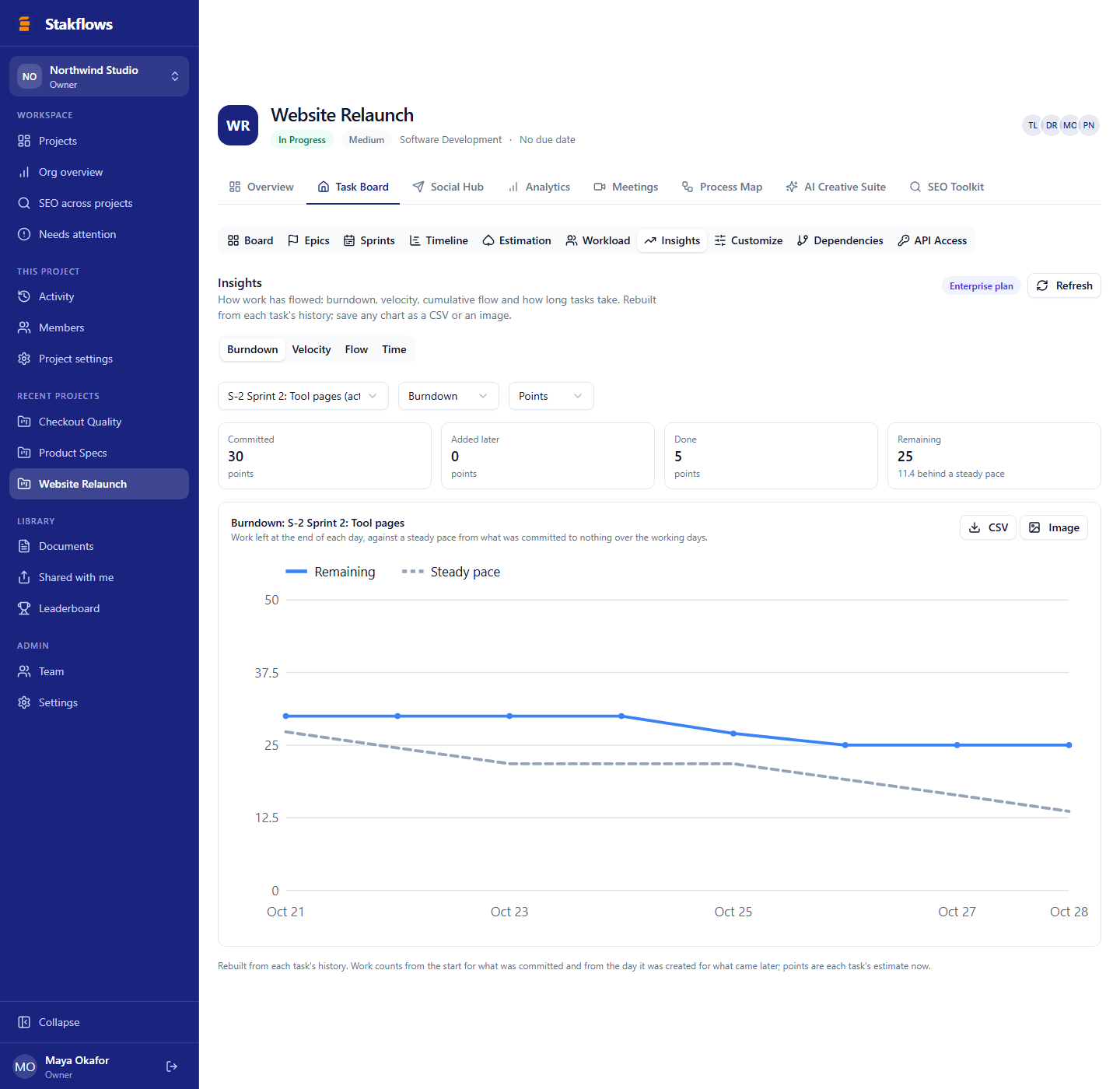
Timeline, workload and insights
A timeline with sprints and milestones, workload by person and week, and, on Business and above, burndown, velocity and flow charts rebuilt from each task's history.
AI help for the board
On plans with AI access, turn a specification into tasks, ask the board a question in plain words, see possible duplicates, and get a stand-up, release notes, a delivery forecast and a weekly digest.
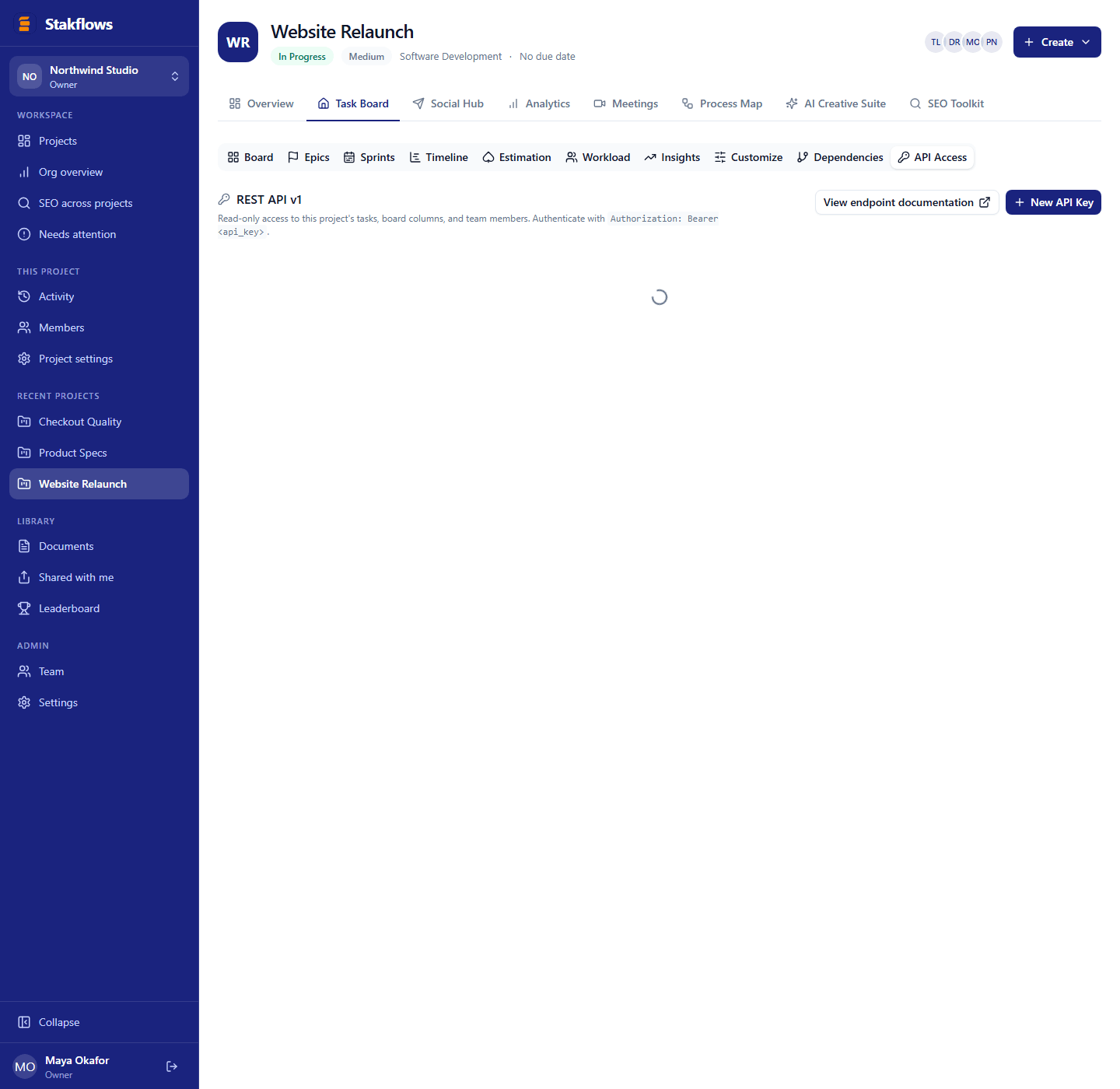
Code assistant, API keys and MCP
Generate code for a task as a reviewable draft, review it and validate it in a sandbox before you apply anything. Project API keys and MCP tokens let tools such as Claude Code read your board.
How it works
- 1Create the workAdd tasks by hand, import them from Markdown, or turn a specification into tasks with AI.
- 2Plan itGroup tasks into epics, plan sprints, size the work and check workload.
- 3Deliver itWork on a branch, link the pull request and watch its status on the card.
- 4Check progressUse insights, the stand-up and the delivery forecast to see whether you are on track.
AI in this tool
AI is available on plans with AI access (Pro and above). Everything it drafts is for you to review.
- Turn a specification into tasks
- Ask the board in plain words, such as what is blocked
- Possible duplicates when you create or import tasks
- Stand-up, release notes, delivery forecast and a weekly digest
- Code assistant: a reviewable draft for a task, with review, refinement and sandbox validation
AI does not commit code or change your repository on its own, and it does not move or close tasks without you. Each AI feature uses credits from your organization's shared monthly pool.
What is coming
- Slack and Discord delivery digests: Being rolled out.
- Connecting desktop AI clients over MCP: Being rolled out.
- Two-way Jira and Linear sync: Keep issues in step with Jira and Linear. Planned; not built yet.
Works with
Plans
- Task Board: available from the Free plan
The board, sub-tasks, epics, sprints, estimation and Markdown import start on the Free plan. AI features need a plan with AI access (Pro and above); the Free plan has only a small daily assistant allowance. Burndown, velocity, flow and board health start on Business. See Pricing for the full comparison.
Questions
Which plans include the Task Board?
Every plan includes the board, sub-tasks, epics, sprints, estimation and Markdown import. AI features need Pro or above, and burndown, velocity and board health need Business or above. Pricing has the full comparison.
How do pull requests show on a task?
Link a pull request to a task and its status and CI result appear on the card and in the task. You can also work from a branch name created on the task.
Can I import my existing tickets?
Yes, from Markdown. Each heading becomes a task, and bullets under it can set priority, assignee, due date, tags, status, points and dependencies. You review a preview before anything is created.
How do AI credits work?
AI features use credits from your organization's shared monthly pool. The AI Assistant page explains how credits work.
Can an AI tool read my board?
Yes. A project API key gives read access to tasks, board columns and team members, and an MCP token lets an assistant such as Claude Code work from your backlog.