
Integrations and developer access
Available nowConnect GitHub, Slack, Discord and Zoom, and give scripts and AI tools safe access to your work.
Who it is for
Built for engineering teams who live in GitHub, teams who want updates in Slack or Discord, and developers who want to read or send data with scripts and AI tools.
What you can do today
GitHub
See a pull request's status and CI result on its task card, see a branch name on each task, and show QA results as a check on pull requests.
Slack and Discord
Post QA events to a Slack or Discord channel and approve or reject issues from the message. Delivery digests for the Task Board are being rolled out.
Zoom and Stripe
Meetings run on Zoom, joined from your browser. Plans and credit top-ups are paid through Stripe.
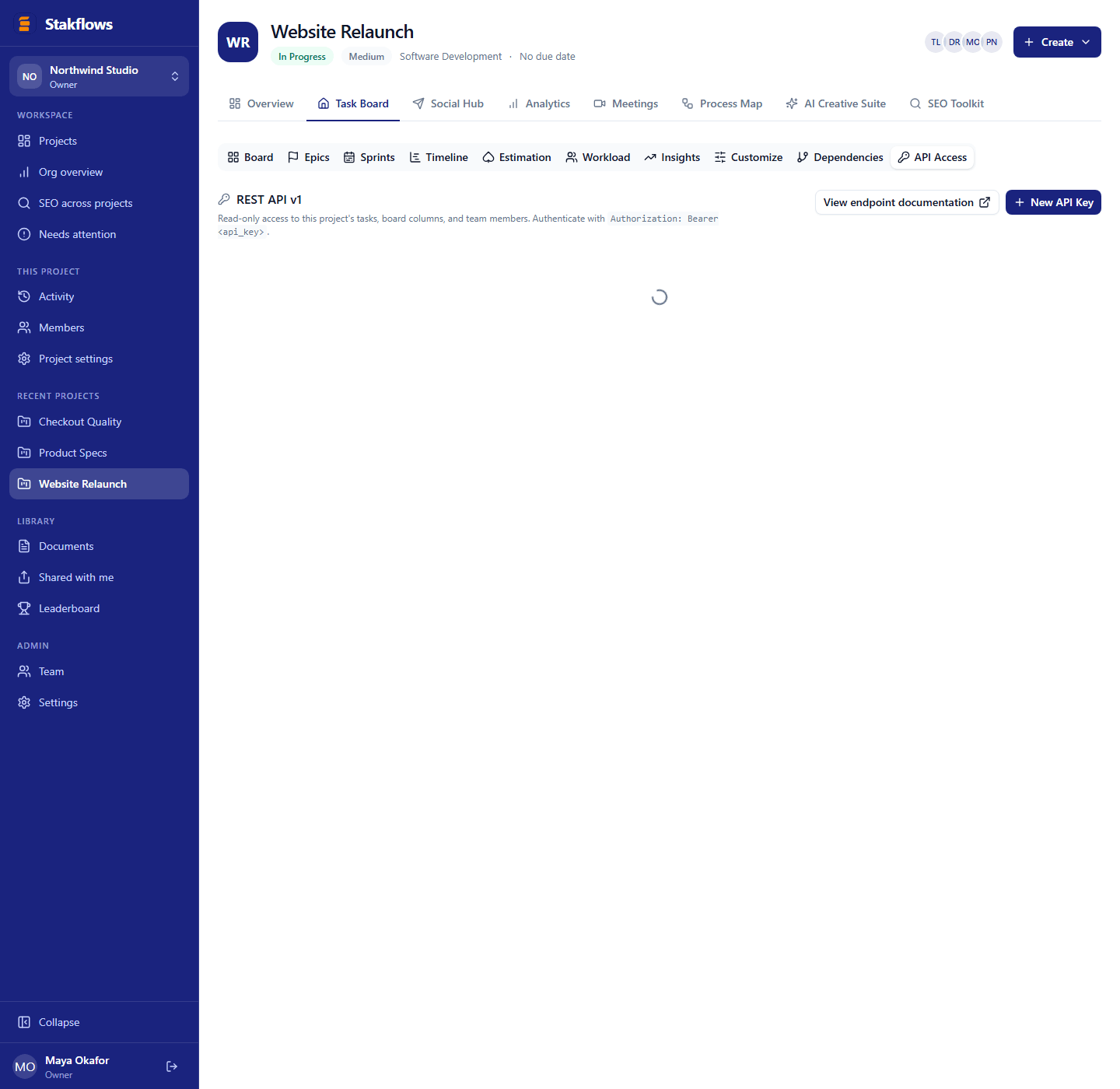
A REST API and MCP for your board
Create a project API key for read-only access to tasks, board columns and team members. An MCP token lets an assistant such as Claude Code read, and with a read and write token update, your backlog.
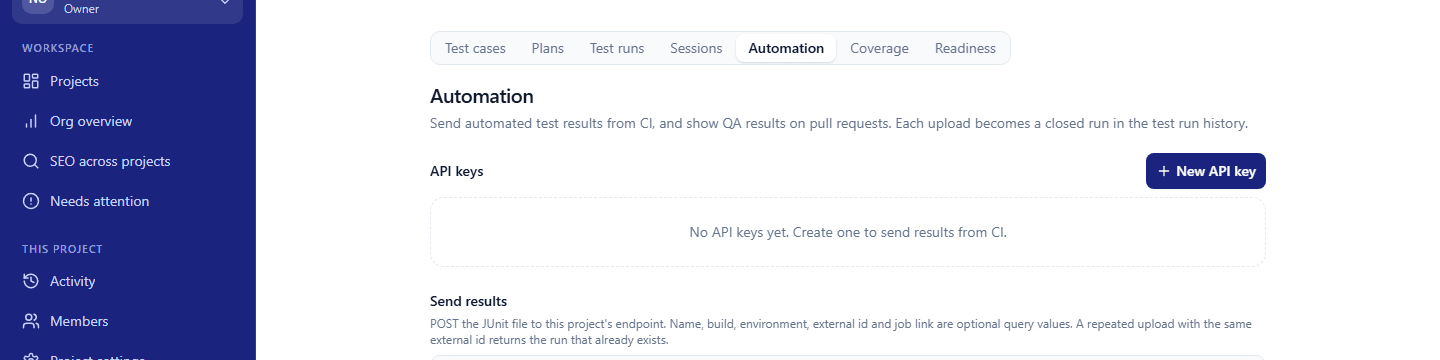
Send test results from CI
Post JUnit results from your CI to a project endpoint with an API key, read QA data with a read-only key, and receive signed webhooks for QA events.
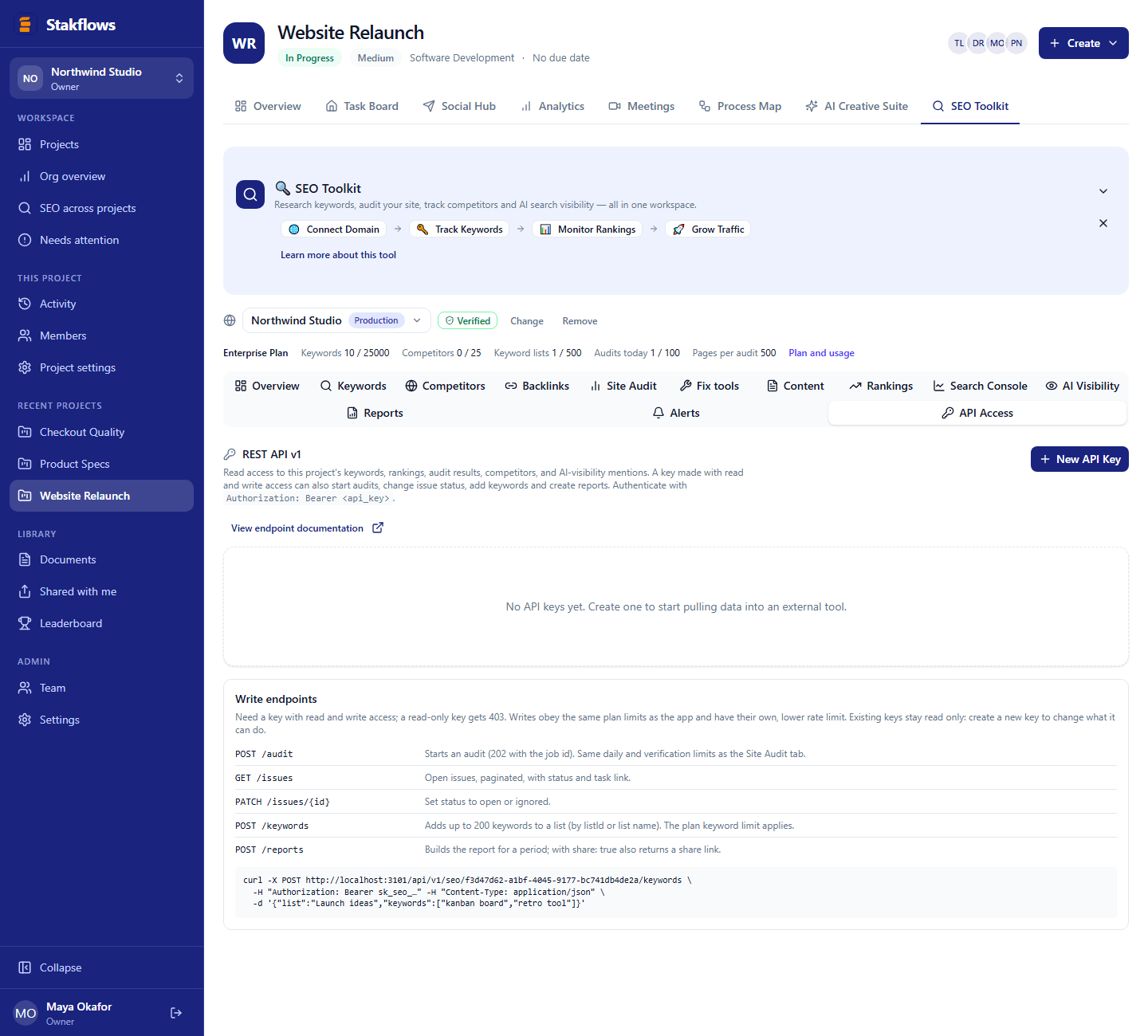
SEO API keys
Read keywords, rankings, audit results, competitors and AI visibility for a site, and with a read and write key start audits, change issue status and add keywords.
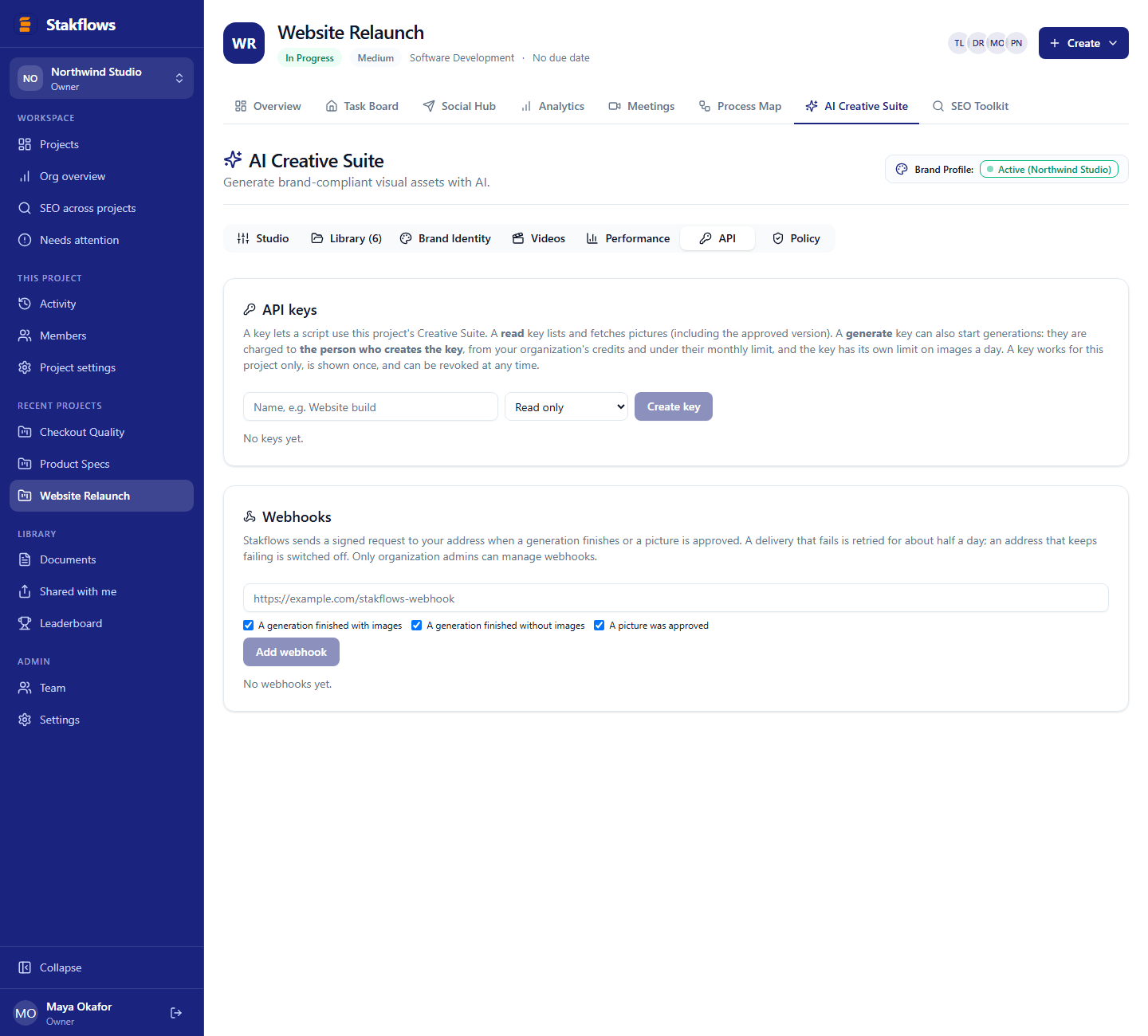
Creative Suite API and webhooks
Let a script list and fetch pictures, or start generations with a key that can generate, and get a signed request when a generation finishes or a picture is approved.
How it works
- 1Pick the toolEach tool has its own access tab or settings, scoped to one project.
- 2Create a key or connect an accountCreate an API key or MCP token, or connect GitHub, Slack or Discord.
- 3Use itSend results, read your data, or let an assistant work from your backlog.
- 4Revoke any timeA key works for one project only and can be revoked whenever you like.
AI in this tool
An MCP token lets an AI client such as Claude Code read your Task Board, and with a read and write token create and update tasks.
A token only reaches the project it was made for, with the access you chose. It can be revoked at any time.
What is coming
- Slack and Discord delivery digests: Being rolled out.
- Jira and Linear sync: Keep tasks and bugs in step with Jira and Linear. Planned; not built yet.
- One public API for everything: A single REST and GraphQL API across all your organization's data. Planned for Enterprise; not built yet.
Works with
Plans
- API and MCP access: available from the Pro plan
The Free plan has no integrations. Pro adds Slack and Discord, Business adds advanced integrations, and Enterprise adds custom ones. SEO API keys: Pro 3, Business 10, Enterprise 25.
Questions
Which integrations work today?
GitHub, Slack and Discord for QA events, Zoom for meetings and Stripe for payments, plus API keys and MCP tokens for the Task Board, Test Case, the SEO Toolkit and the AI Creative Suite.
Can an AI tool read my board?
Yes. Create an MCP token for the project and connect an assistant such as Claude Code. The token only reaches that project, with read or read and write access.
Are keys safe?
A key works for one project only and can be revoked at any time.
Which plans include integrations?
None on Free. Pro includes Slack and Discord, Business includes advanced integrations, and Enterprise includes custom ones.
Is Jira supported?
Not yet. Two-way Jira and Linear sync is planned and not built.