
Requirements, tasks, testing,
content and AI, Together
One workspace for the whole project team: plan and ship work, write and approve documents, test, publish and measure it, with roles and governance built in.
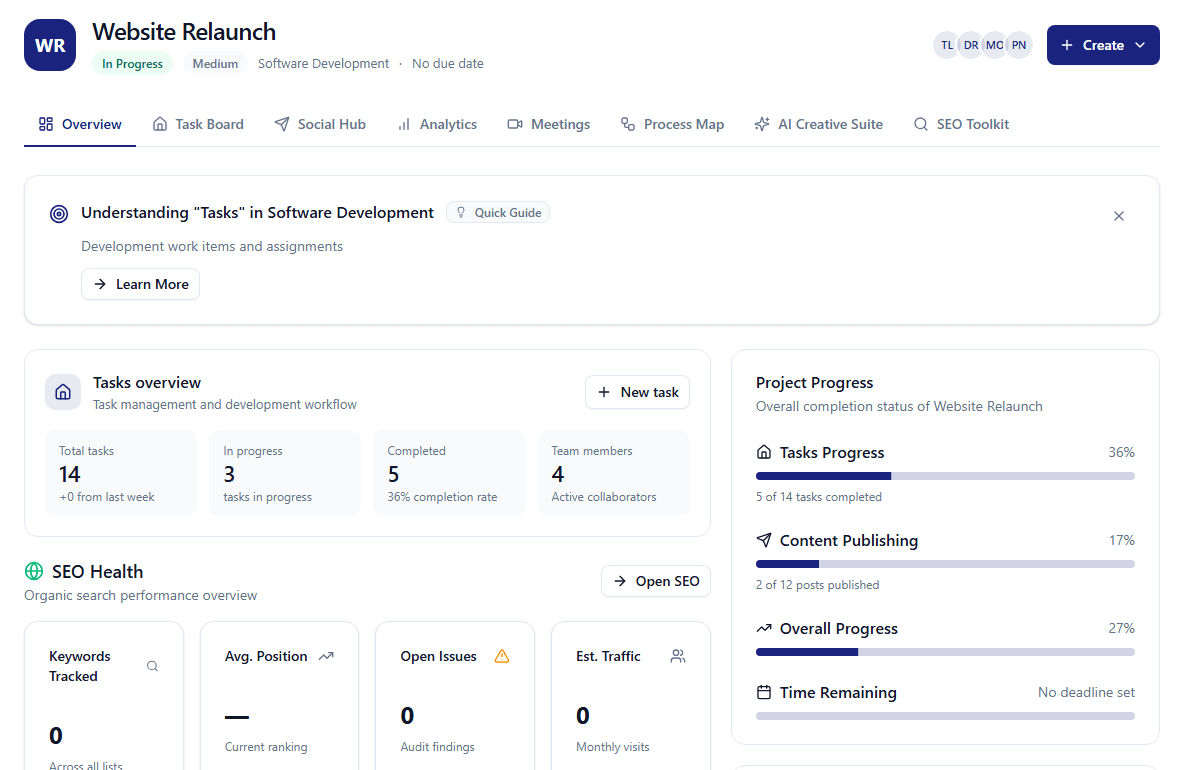
One workspace for the whole project
Requirements, tasks, testing, content and AI work together in one place.


Department-based dashboards.
Project managers, analysts, developers, testers and marketers each see a view built for their work, so there is less noise and decisions come faster.
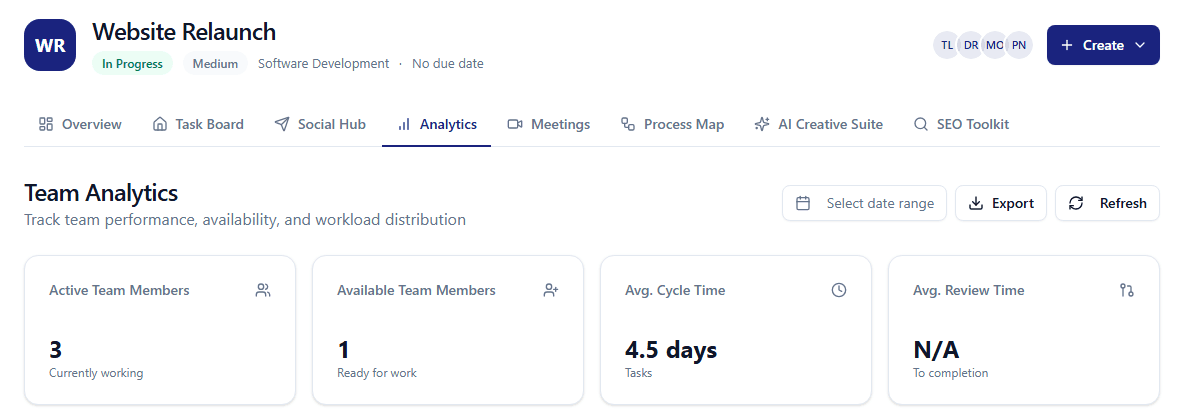
How Stakflows works
See where every deliverable stands, as it happens.
Governance, simplified
Role-based access, with each organization's data kept separate.A clear workflow
Work moves through stages you can see, from draft to approved and from To Do to Done.AI at your side
AI help inside each tool on plans with AI access, from one pool of credits.
Why teams choose Stakflows
Everything a project needs, in one place
Task Board, Document Board, Test Case, Social Hub, Meetings, Process Map, AI Creative Suite, SEO Toolkit and Analytics work together in one project.
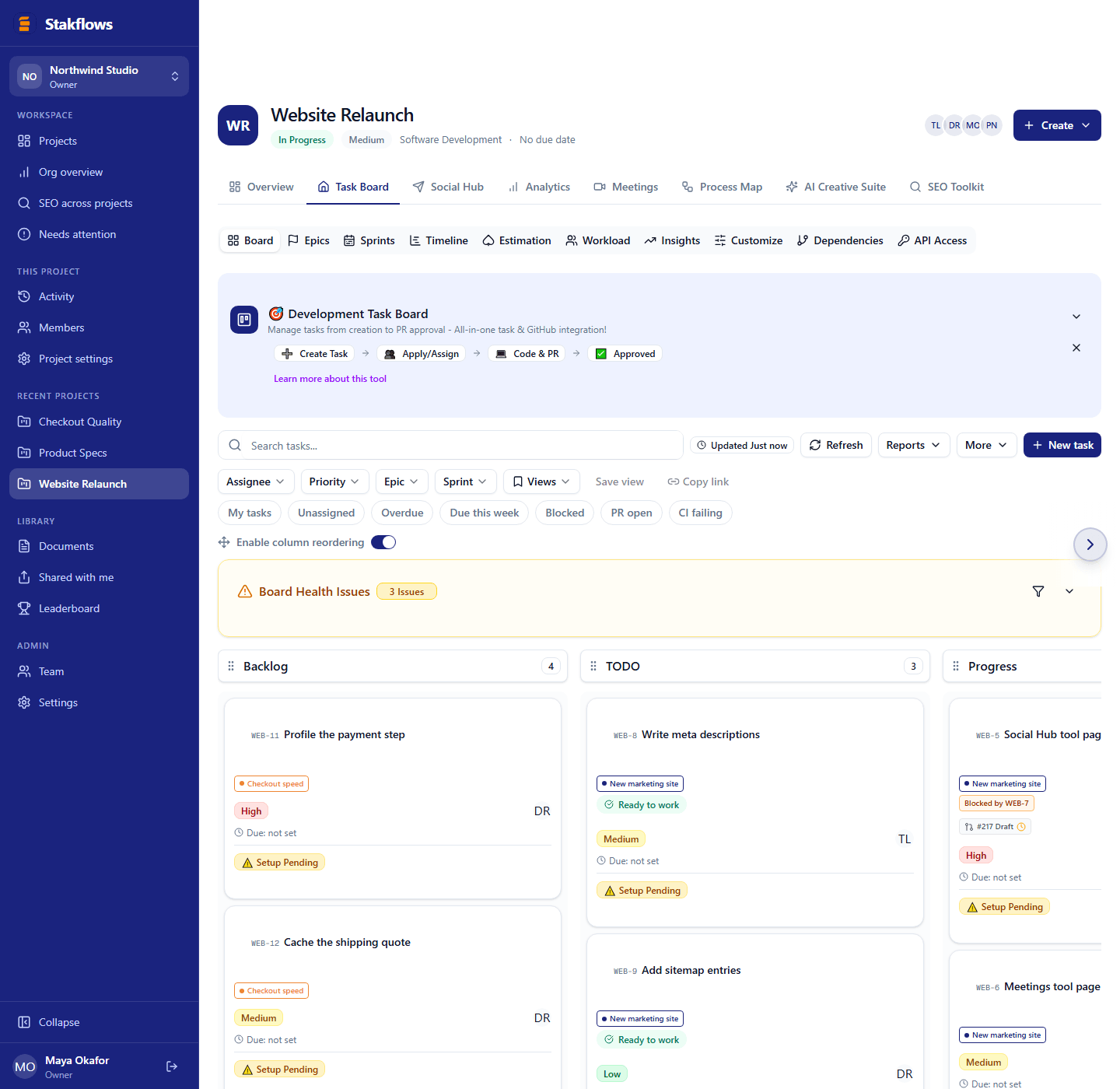
Task Board
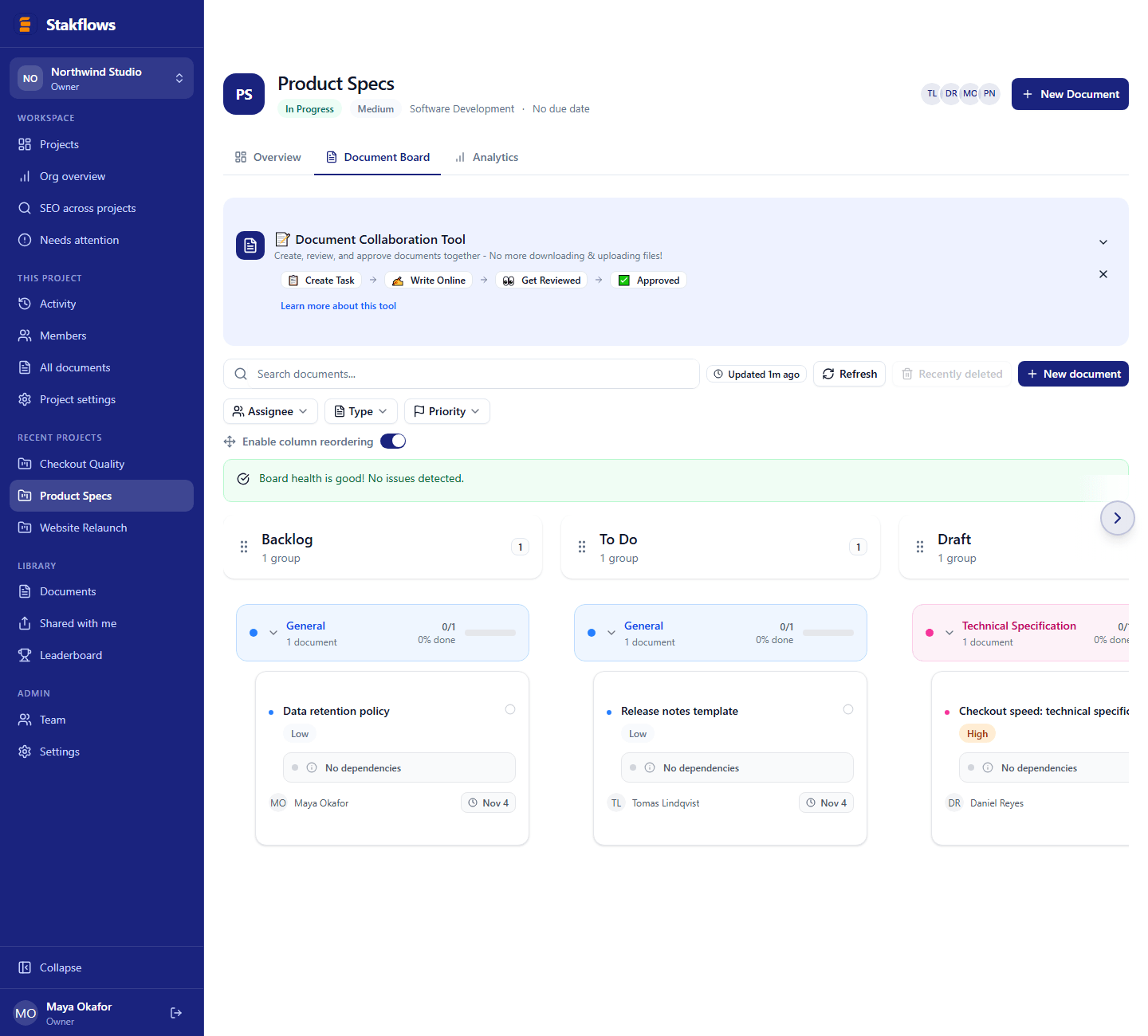
Document Board
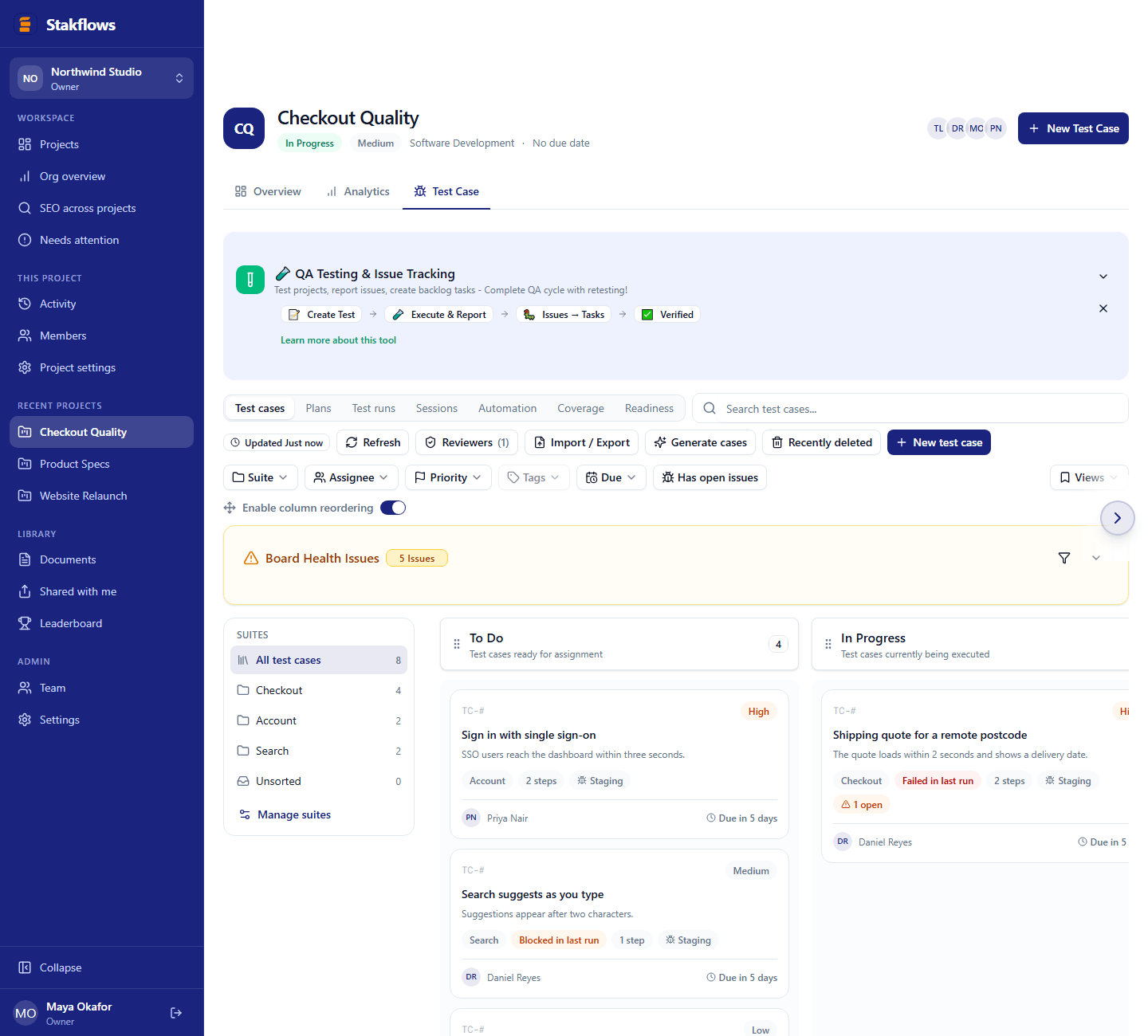
Test Case
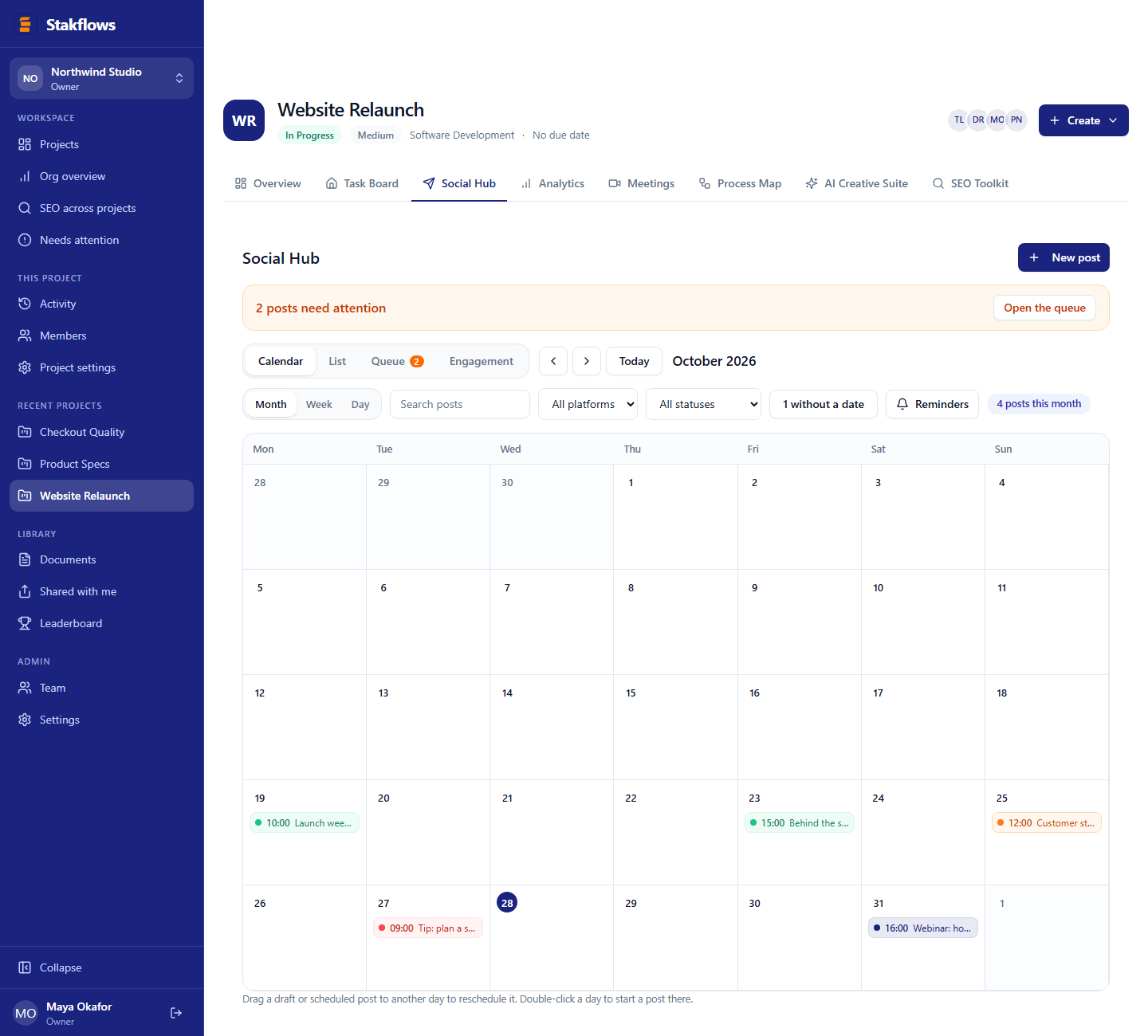
Social Hub
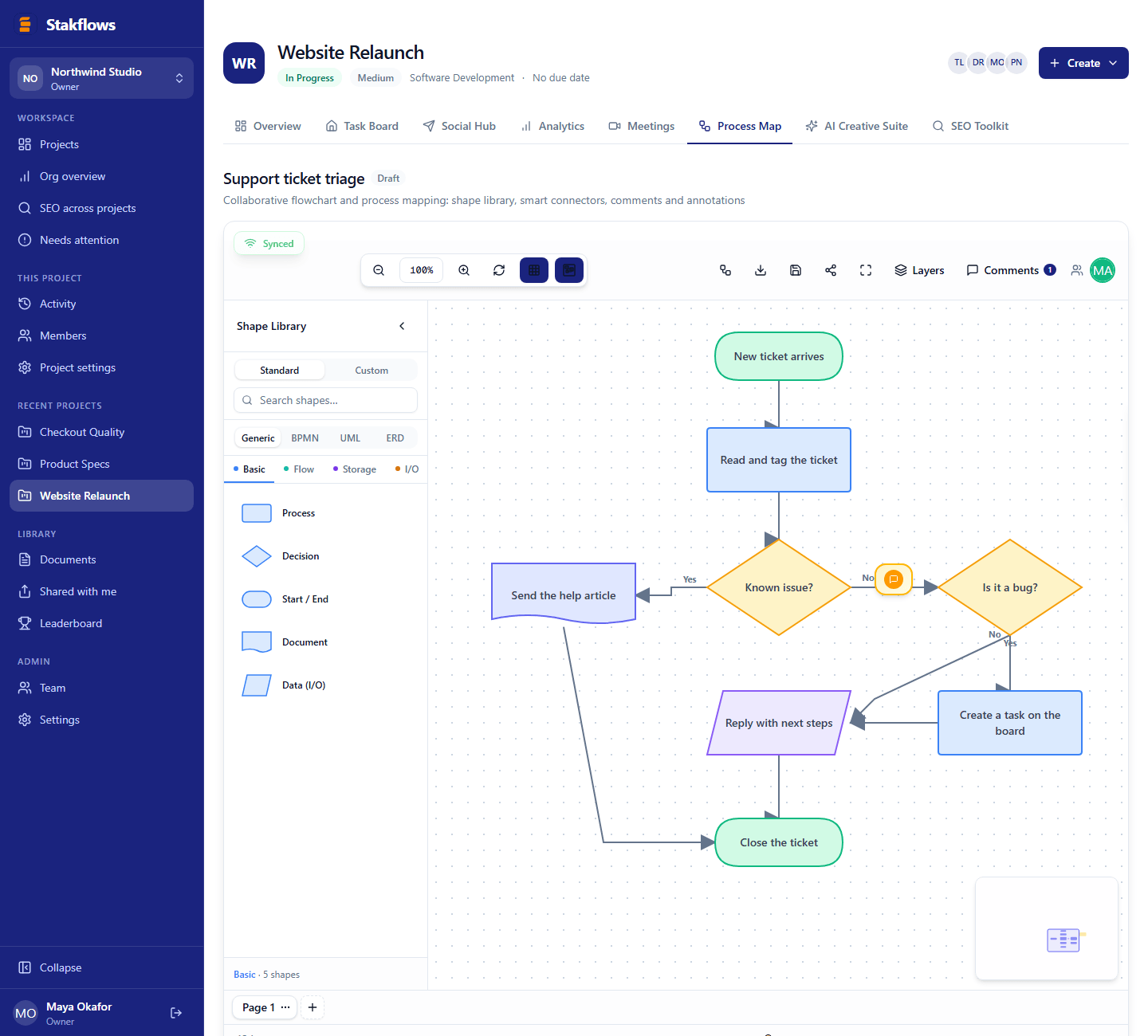
Process Map
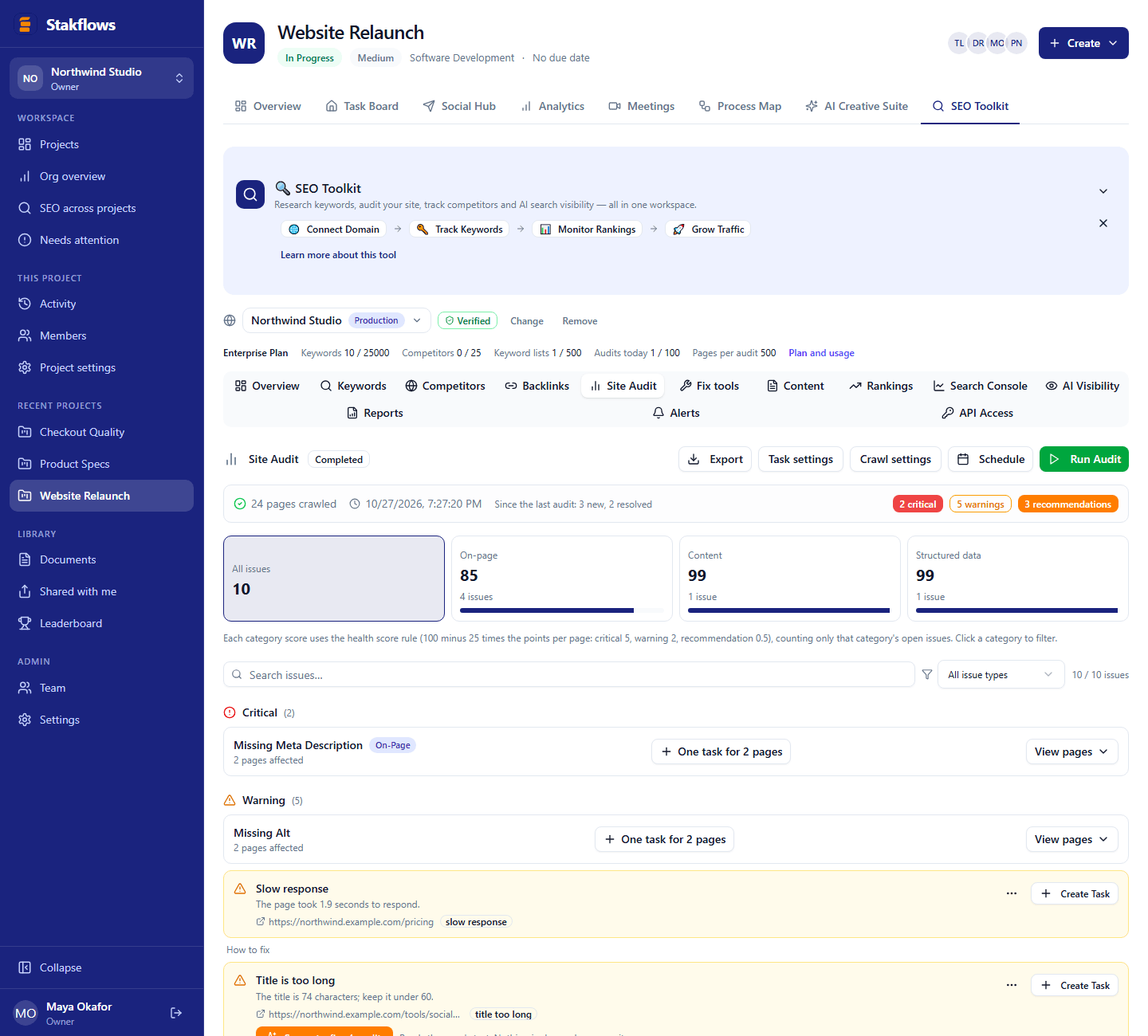
SEO Toolkit
Every tool, on its own page
Each tool has its own page with what it does today and what is on the way.
- Learn more
Task Board
Available, growingKanban and sprint management for teams that live in Git, with pull request links, workload planning and an MCP server for AI coding assistants.
- Learn more
Document Board
Available, growingA Kanban board for specs and requirements with review and approval gates, version history, sharing and AI traceability.
- Learn more
Social Hub
Available, growingDraft once, tailor per platform, review with the team and publish from one shared calendar.
- Learn more
Test Case (QA)
Available, growingTest cases, runs and bug reports connected to your backlog, CI results and GitHub checks.
- Learn more
Meetings
Available, growingSchedule, hold and record video meetings inside the project, with RSVPs, an AI summary and task links.
- Learn more
Process Map
Available, growingA shared canvas for flows, systems and workflows, with live collaboration and AI help to start a diagram.
- Learn more
AI Creative Suite
Available, growingGenerate and edit pictures and short videos that follow your brand, then review them and send them to a post, task or document.
- Learn more
SEO Toolkit
Available, growingSite audits, keyword research with real data, rank tracking, Search Console and AI search visibility in one workspace.
- Learn more
Analytics and Overview
Available nowSee where the team's time goes, track throughput and spot delivery bottlenecks.
- Learn more
AI Assistant and AI credits
Available nowAn assistant inside your workflow, backed by one AI credit pool shared by every tool.
- Learn more
API and MCP access
Available nowSafe, authenticated access for scripts, CI and AI assistants such as Claude Code.
No setup fees, No long term contracts
Ready to Simplify Your Workflow?


Frequently Asked Questions
One workspace for project delivery. Each project has the tools it needs: a Task Board, a Document Board, Test Case, Social Hub, Meetings, Process Map, an AI Creative Suite, an SEO Toolkit and Analytics, with roles and permissions for each team.
Teams where different roles work on the same project: project managers, business analysts, developers, QA engineers and marketers. Each role sees the tools it uses.
Everything a delivery team uses sits in one project. Requirements in documents link to the tasks and test cases that cover them, bugs found in testing go to the backlog, and approvals are built in. You do not move work between separate products.
Yes. Each organization's data is kept separate from every other organization's, and you can switch between the organizations you belong to.
Admins decide who can do what through roles and departments, and choose which tools each project uses. Dark mode is available.
There are four plans: Free, Pro, Business and Enterprise. You can start on Free and move up for AI, analytics and more connections. The Pricing page shows what each plan includes.
AI features need a paid plan and use credits from one pool shared by your organization. The AI Assistant page explains how credits work.
GitHub, Slack, Discord and Zoom, plus API keys and MCP tokens for developers. The Integrations page has the details.
Use the Contact page, or read the guides in Documentation.